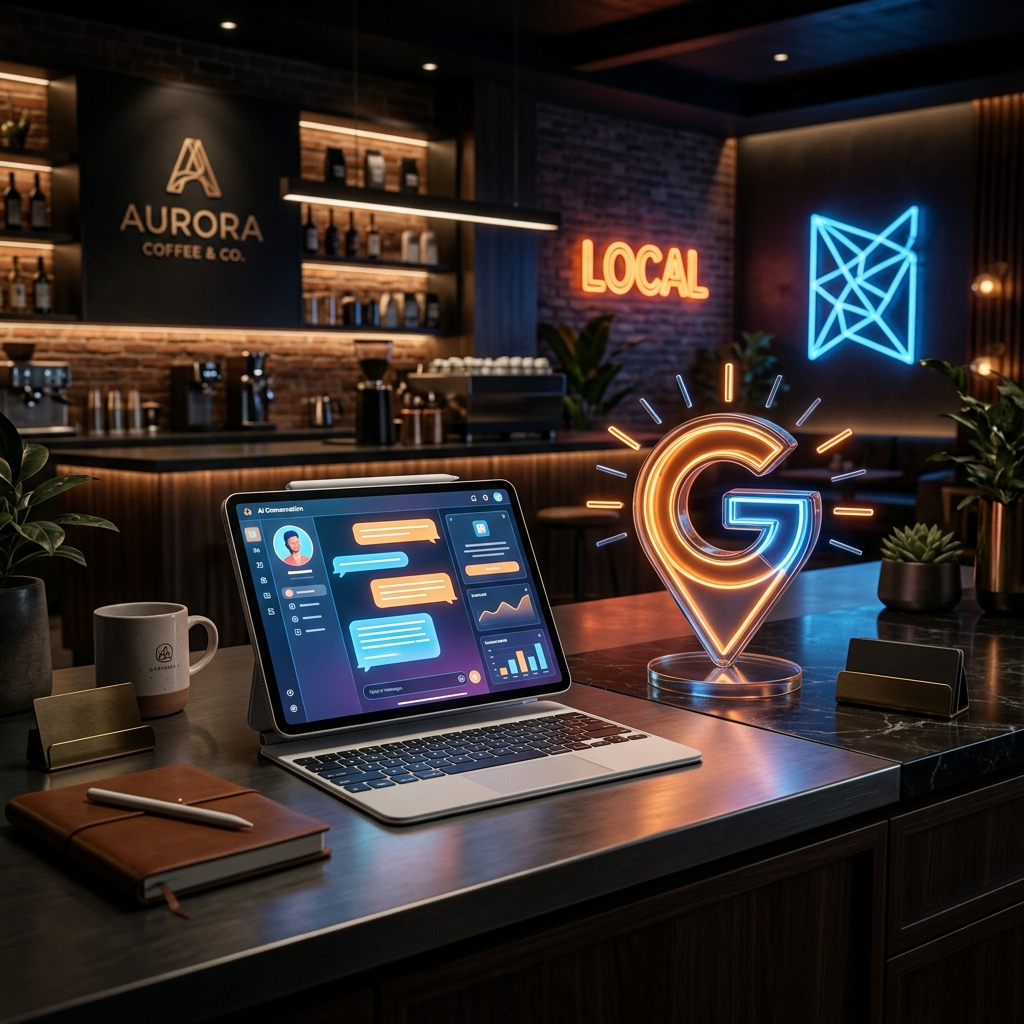
Most small business owners in Riyadh launch a website and then hit the same two walls: customers can't find them in local search, and visitors leave without making contact. An AI chatbot and a fully optimized Google Business Profile solve both problems. Neither requires a technical background. Together, they turn a static website into a 24/7 sales and support tool that also shows up where local buyers are already looking.
This guide walks you through both, step by step, then shows you how to connect them so they work as a system.
Part 1: How to Add an AI Chatbot to Your Small Business Website
What an AI Chatbot Actually Does
A chatbot is a widget that sits on your website and responds to visitor questions automatically — no staff required. It can answer questions about your services, pricing, hours, and location. It can qualify leads, collect names and phone numbers, and hand off to a human when the conversation needs it.
For a small business without a dedicated support team, that matters. A chatbot covers the gap between when a customer asks and when you can actually reply.
Step 1: Choose the Right Tool
You don't need to build anything from scratch. Several platforms offer embeddable chatbots with no-code setup:
- Tidio — works well for small e-commerce and service businesses, with a free tier and Arabic language support.
- Intercom — more powerful, but better suited to businesses with higher traffic volumes.
- Chatbase — lets you train a chatbot on your own content, such as your FAQ page or service list.
- WhatsApp Business API integrations — a strong fit for Saudi audiences who already prefer WhatsApp over live chat.
If your site runs on WordPress or a similar CMS, most of these tools install via a plugin or a short code snippet pasted into your site's header.
Step 2: Define What Your Chatbot Should Handle
Before you configure anything, write down the five to ten questions your customers ask most often. Common examples for Saudi SMBs:
- Do you deliver to my area?
- What are your working hours?
- How much does it cost?
- Can I book an appointment?
- Do you have a physical store?
Your chatbot should handle all of these without human input. Anything more complex gets routed to WhatsApp or a contact form.
Step 3: Write the Conversation Flow
Most platforms use a visual flow builder. You set a welcome message, then branch based on what the visitor selects or types. Keep the welcome message short:
"Hi, how can I help you today? Choose an option below or type your question."
Then list two to four quick-reply buttons matching your most common queries. This reduces friction and gets visitors to an answer faster.
Step 4: Set a Fallback and Handoff
Every chatbot needs a fallback for questions it can't answer. That fallback should offer a clear next step — "I'll connect you with our team on WhatsApp" with a direct link. Don't let the chatbot dead-end a visitor with no way forward.
Step 5: Embed and Test
Once your flow is ready, the platform gives you an embed code. Paste it into your website's footer or use a plugin. Test on both desktop and mobile. In Saudi Arabia, the majority of website visits happen on mobile, so the chatbot widget must not block content or slow the page down.
Part 2: How to Set Up and Optimize Your Google Business Profile
Why Google Business Matters More Than You Think
When someone in Riyadh searches for your type of business, Google shows a map pack at the top of the results. That map pack is driven by Google Business Profiles — not by your website's SEO. If your profile doesn't exist, or if it's incomplete, you're invisible in local search regardless of how good your website is.
Step 1: Create or Claim Your Profile
Go to business.google.com and sign in with a Google account. Search for your business name. If a listing already exists, claim it. If not, create a new one.
You'll need to verify your business. Google typically sends a postcard with a verification code to your registered address, though phone and email verification are available for some business types.
Step 2: Complete Every Field
An incomplete profile ranks lower than a complete one. Fill in:
- Business name — exactly as it appears on your signage or legal registration
- Category — choose the most specific primary category, then add secondary ones
- Address — or service area if you operate without a physical storefront
- Phone number
- Website URL
- Working hours — including holidays and Ramadan hours where relevant
- Business description — up to 750 characters; lead with what you do and who you serve
Step 3: Add Photos and Posts
Profiles with photos receive significantly more direction requests and clicks than those without. Add a clear logo, a cover photo showing your product, space, or team, and at least five to ten photos of your work or premises.
Use Google Posts to share updates, offers, or new services. Posts appear directly in your profile and signal to Google that your listing is active.
Step 4: Collect and Respond to Reviews
Reviews are the single biggest local ranking factor after proximity and relevance. Ask every satisfied customer to leave one, and make it easy by sharing a direct review link.
Respond to every review — positive or negative. A brief, professional response shows potential customers that you're attentive. For negative reviews, acknowledge the issue and offer to resolve it offline.
Step 5: Use the Q&A Section
Google Business Profiles include a public Q&A section. You can post your own questions and answer them before customers ask. It's an underused feature that also feeds into AI-generated answers about your business — worth taking seriously.
How Your Chatbot and Google Business Profile Work Together
These two tools are more powerful when they reference each other.
Your chatbot should reflect your GBP information. If your Google Business Profile lists hours as 9am to 6pm Saturday through Thursday, your chatbot should give the same answer. Inconsistency confuses customers and erodes trust quickly.
Your GBP drives traffic; your chatbot converts it. A customer finds you on Google Maps, clicks through to your website, and your chatbot greets them immediately. That handoff from discovery to engagement happens in seconds.
GBP messaging versus website chatbot. Google Business Profiles have a built-in messaging feature that lets customers contact you directly from search results — without ever visiting your website. This is separate from your website chatbot. Use both. GBP messaging catches customers who never reach your site; your chatbot handles the ones who do.
Consistency builds credibility. When your business name, phone number, address, and hours match exactly across your website, your chatbot responses, and your Google Business Profile, Google treats your business as more trustworthy. This is called NAP consistency — Name, Address, Phone — and it directly affects your local ranking.
Getting Both Done Without the Technical Headache
Setting this up yourself is possible. But if you're pre-launch or running a business solo, the configuration, testing, and integration work adds up fast — often days of effort, with errors that surface later.
Neuralys Studio offers AI chatbot integration and Google Business profile setup as add-on services alongside custom website builds. Submit your brief and budget, receive a proposal within 24 hours, and the studio handles the technical setup. If you want both added to an existing site, that works too.
Submit your project brief at neuralysstudio.online and specify which services you need.
Frequently Asked Questions
Do I need a website to set up a Google Business Profile? No. You can create a Google Business Profile without a website. That said, having a website linked to your profile significantly improves your credibility and gives customers more to go on before they contact you.
Can my AI chatbot answer in Arabic? Yes. Most major chatbot platforms support Arabic, including right-to-left text display. You can configure the chatbot to respond in Arabic, English, or both — depending on what your customers prefer.
How long does it take to set up a chatbot? A basic chatbot with five to ten conversation paths takes two to four hours to configure on most no-code platforms. A more sophisticated chatbot trained on your specific content takes longer and may need developer input.
Will a chatbot slow down my website? A poorly implemented chatbot can add load time, especially on mobile. Choose a lightweight widget and test your PageSpeed score before and after installation. If speed is a concern, a developer can load the chatbot script asynchronously so it doesn't block page rendering.
How many reviews do I need before my Google Business Profile starts ranking? There's no fixed number, but profiles with ten or more recent reviews consistently outperform those with fewer. Recency matters as much as volume — aim for a steady flow of reviews rather than a one-time push.
Can I connect my chatbot directly to my Google Business Profile? Not natively. They're separate systems. What you can do is keep them consistent — make sure the information your chatbot provides matches your GBP exactly. Some third-party tools offer partial integration for specific use cases.
What's the difference between GBP messaging and a website chatbot? GBP messaging lets customers contact you from Google Search and Maps without visiting your website. A website chatbot engages visitors who are already on your site. Both are worth activating because they capture customers at different points in their journey.
Your website, your chatbot, and your Google Business Profile should work as one system — not three separate tools you set up and forget. Get the basics right on each, keep the information consistent, and you'll have a local digital presence that works around the clock.
If you want this set up correctly from day one, Neuralys Studio handles both as part of a complete website build or as standalone add-ons. Submit your brief and get a proposal within 24 hours.