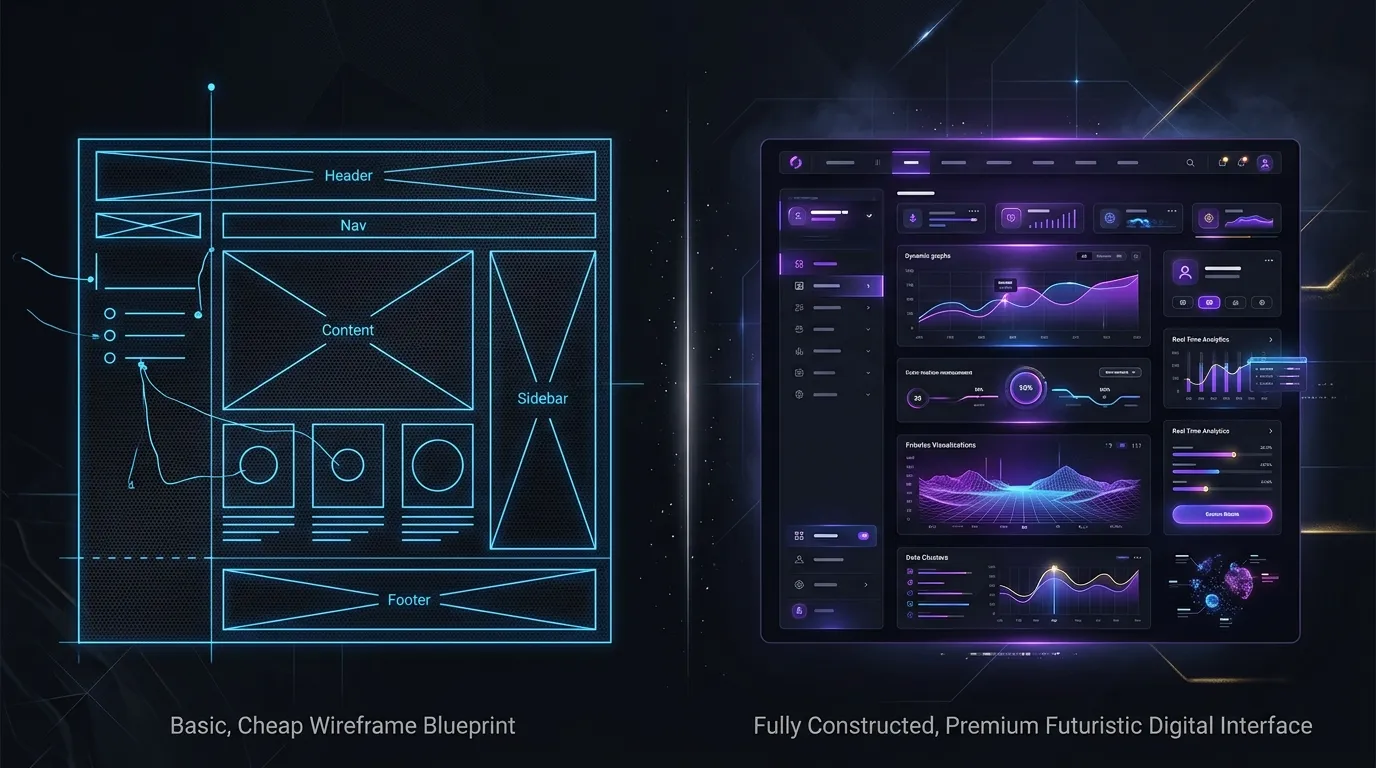
WordPress and custom development are both valid ways to build a website. Neither is automatically faster, safer, or more suitable. The decision depends on editorial needs, required functionality, available skills, and who will maintain the platform after launch.
What WordPress provides
WordPress is a content management system with an administrative interface, themes, and plugins. It can suit teams that publish frequently and want established tools for managing pages, articles, users, and media.
Its ecosystem can shorten implementation for common requirements, but every theme and plugin adds a dependency. Compatibility, licensing, performance, accessibility, and support quality should be evaluated rather than assuming any plugin is production-ready.
What custom development means
A custom website is built around a defined set of requirements instead of beginning with a general-purpose CMS and plugin ecosystem. It may be a static site, a framework-based application, or a tailored content platform.
Custom does not mean “no maintenance.” Dependencies, hosting, content workflows, security patches, and integrations still need ownership. It also does not guarantee better performance; that depends on design and implementation choices.
Compare the operational needs
Content editing
WordPress offers a familiar browser-based publishing workflow. A custom build can also provide editing through a headless CMS or structured content interface, but that capability must be selected and scoped.
Functionality
Common publishing and commerce needs may be available through mature WordPress extensions. Unusual workflows, complex permissions, or product-specific logic may be clearer in a tailored application.
Maintenance and security
WordPress core, themes, and plugins require updates. The official documentation recommends keeping plugins current and taking a backup before updates; see WordPress plugin management. Custom systems also need dependency monitoring, testing, and security maintenance.
Portability and ownership
Ask who owns the code, content, design assets, domain, hosting accounts, and third-party licenses. Document how content can be exported and how another team could operate the system.
A practical choice
Choose WordPress when its publishing workflow and established ecosystem match the project and someone can maintain it responsibly. Choose custom development when the required experience, data model, or integrations do not fit a general-purpose setup cleanly.
For many businesses, the strongest answer is not ideological: it is the option that meets the real workflow with the least unnecessary complexity. Neuralys can help you compare implementation options after reviewing your content, functionality, and maintenance requirements.